Skip to content
No results
  • About Video Editor
  • Contact
  • Editorial Policy
  • Privacy Policy
Video Editor
Video Editor
  • Video Editing

Video Editing With VLC — Trim, Rotate, Convert
Title card: Video Editing With VLC — record button, Transform filter, Convert/Save, advanced controls

Yes — video editing with VLC covers three real jobs: trimming a clip with the hidden record button, rotating footage with the Transform filter, and converting or baking those changes into a new file via Convert Contents Quick steps What…
  • Video Editor Editorial Team
  • October 24, 2026
  • Video Editing

How to Extract Subtitles From Video in 5 Steps

Title card: Extract Subtitles From Video — FFmpeg, OCR, AI transcription, SRT, VTT

The fastest way to learn how to extract subtitles from video: check for a soft text track with MediaInfo, pull it with FFmpeg, then OCR or re-transcribe anything burned into the picture. Contents Quick steps What "extracting subtitles" really means:…

  • Video Editor Editorial Team
  • October 22, 2026
  • Video Editing

How to Add Subtitles to a Video in Canva

Title card: Add Subtitles in Canva — editable captions, accessibility captions, Dynamic text

Here is how to add subtitles to a video in canva: upload your clip, open Text › Dynamic text › Captions, click Generate captions, then correct the wording and drag each segment’s start and end edges in the timeline. Contents…

  • Video Editor Editorial Team
  • October 20, 2026
  • Video Editing

How to Blur Face in Video Without the Blur Slipping

Title card: Blur Face in Video — YouTube Studio, DaVinci Resolve, Magic Mask, Premiere Pro, AI detection

To learn how to blur face in video, draw a mask around the head, drop a mosaic inside it, then let AI detection or mask tracking follow that head across every frame. Contents Quick steps Why face blurring fails (and…

  • Video Editor Editorial Team
  • October 17, 2026
  • Video Editing

How to Embed Subtitles Into Video (Burn-In Guide)

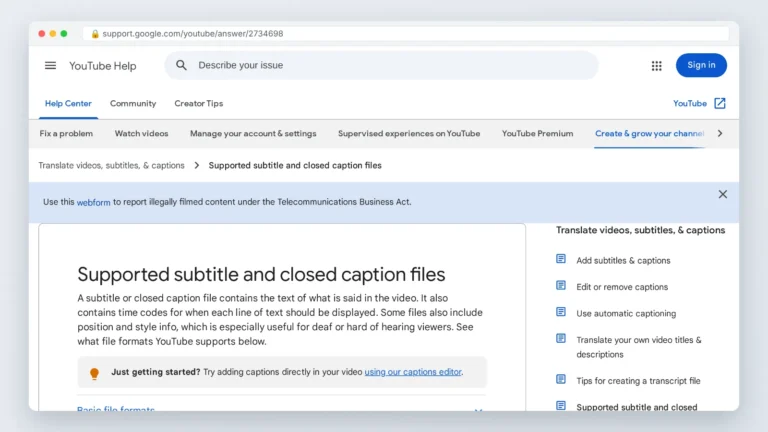
YouTube Help page showing supported caption file formats including SubRip .srt

Burn subtitles in by rendering an SRT or ASS file into the pixels — FFmpeg’s subtitles filter, HandBrake’s Burn In box, or Premiere’s caption export. Skip it when viewers need multiple languages or toggleable captions. YouTube’s help page on supported…

  • Video Editor Editorial Team
  • October 11, 2026
  • Video Editing

How to Crop a Video on Windows, Mac, iPhone and Android

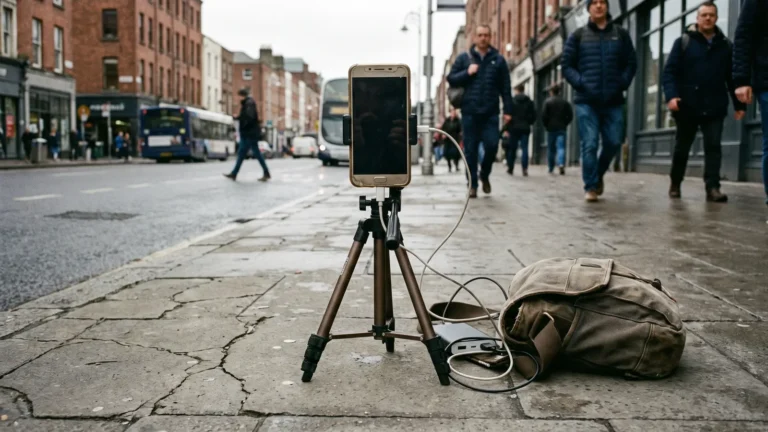
Smartphone mounted vertically on a tripod recording a scene, illustrating how to crop a video for vertical feeds

Crop a video in Clipchamp on Windows, Photos or iMovie on Mac, the Photos app on iPhone and Google Photos on Android — pick the target aspect ratio first, drag the crop handles, then export a new file. The phone…

  • Video Editor Editorial Team
  • October 10, 2026
  • Video Editing

Editing YouTube Videos: A Workflow That Holds Retention

Real editing workstation with timeline on the monitor and headphones, used for editing YouTube videos

Review footage and write a paper edit, cut the hook first, run a ruthless tightening pass to kill dead air and filler, layer pattern interrupts every few sentences, then export at YouTube’s recommended specs so compression doesn’t undo the work.…

  • Video Editor Editorial Team
  • October 9, 2026
  • Video Editing

What Is Non Linear Video Editing Software?

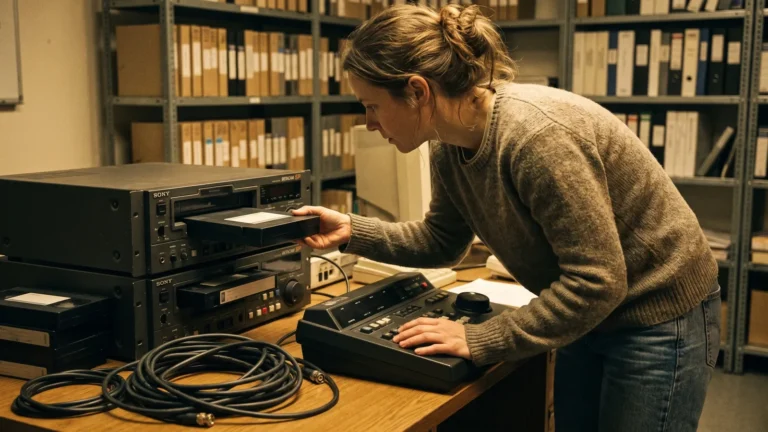
Editor loading a videotape cassette into one of two stacked tape decks in a small edit room

Non-linear video editing software lets you reach any frame instantly and stores edits as instructions over untouched source files; linear tape editing forced you to lay shots down in order and re-record everything after a change. Two stacked Betacam SP…

  • Video Editor Editorial Team
  • October 8, 2026
  • Video Editing

How to Edit Videos on a Mac With Free and Paid Tools

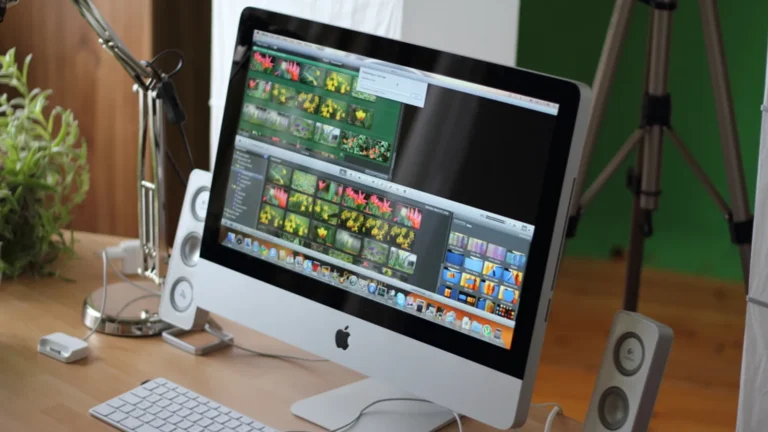
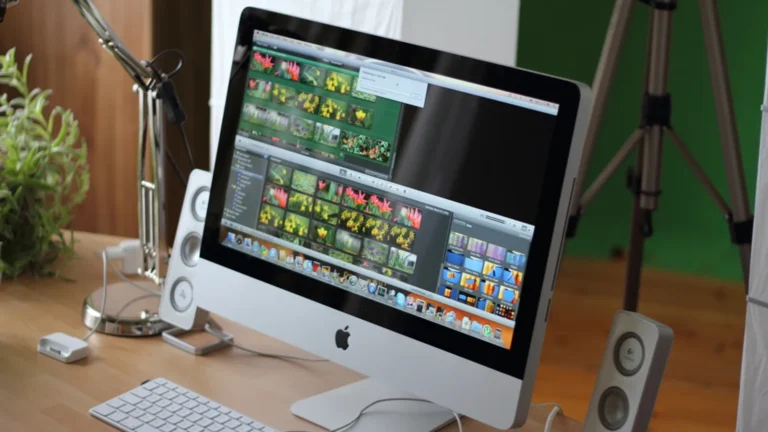
Mac desktop setup used to edit videos on a Mac, with external SSD, SD card reader and headphones

Trim and screen-record for free in QuickTime Player, fix single clips in Photos, then cut the full project in iMovie. Install DaVinci Resolve free when you need color grading, multicam or finer audio control. An all-in-one iMac running a photo/video…

  • Video Editor Editorial Team
  • October 7, 2026
  • Video Editing

How to Remove Text From Video Without Artifacts

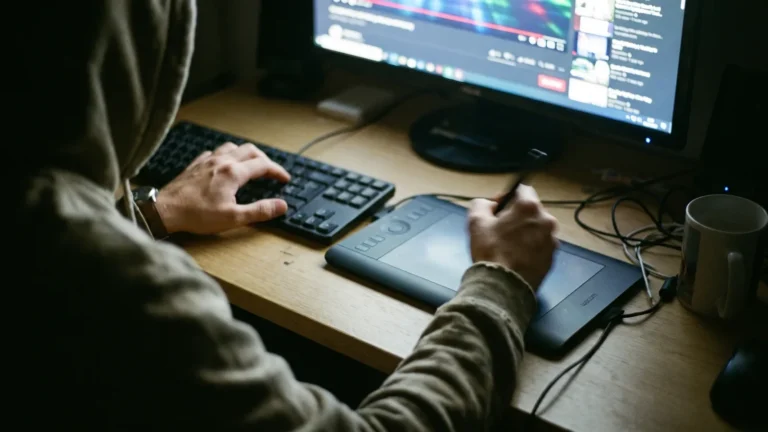
Editor's hands: stylus tracing a mask on a pen tablet, other hand on keyboard arrow keys

Mask the text, track it across every frame, then fill the hole with Content-Aware Fill, Patch Replacer or an AI object remover — and patch the few frames the fill gets wrong by hand. A two-handed setup: keyboard under one…

  • Video Editor Editorial Team
  • October 6, 2026
1 2
Next

Copyright © 2026 - Video Editor